Happy Vegas Casino Android App
The Happy Vegas Casino Android app puts the full casino, live tables and sportsbook on your phone. The APK download takes a couple of minutes, and once it is installed you can claim the welcome offer and start spinning straight away.
Curaçao licensed
8048/JAZ2022-091
Android 6.0+
Phones and tablets
100% up to $250
Plus 50 free spins
Crypto deposits
TRON and cards
3,000+ games
Pragmatic, NetEnt, Evolution
24/7 live chat
Email and Telegram
Device requirements
What your phone needs to run the app
The app is light, so most phones from the last few years will run it without trouble. You need Android 6.0 Marshmallow or newer, roughly 100 MB of free storage for the install and cache, and a stable connection for live games. A screen of 5 inches or larger makes the slot grid easier to read, though smaller handsets still work fine.
Tablets are supported too. The layout scales to bigger screens, which suits live dealer tables and the sportsbook where you often want more than one market in view. There is no separate tablet build, the same APK covers phones and tablets.
| App name | Happy Vegas Casino |
| Platform | Android (APK) |
| Android required | 6.0 Marshmallow or newer |
| File size | About 25 MB |
| Free storage needed | 100 MB recommended |
| Price | Free to download |
| License | Curaçao eGaming |
| License number | 8048/JAZ2022-091 |
| Currency | USD |
| Welcome offer | 100% up to $250 + 50 free spins |
| Minimum deposit | $10 |
| Games | 3,000+ slots and tables |
| Providers | Pragmatic Play, Evolution, NetEnt and more |
| Live casino | Yes, powered by Evolution |
| Sports betting | Yes |
| Payments | TRON, Visa, Mastercard, Skrill, Neteller |
| Support | Live chat, email, phone, Telegram |
| Languages | English |
| App lock | Fingerprint or PIN |
| Age limit | 18+ |

Step-by-step APK download
From the official site to your home screen
The Android app is not listed on app stores because of its real money games, so you download the APK straight from happyvegascasino.com. The file is signed by the operator, which keeps the install clean as long as you take it from the official domain.
Open the site on your phone
Launch Chrome or your default browser and go to happyvegascasino.com. Tap the Android icon in the top menu or the footer.
Start the APK download
Tap 'Download for Android'. The file is small, around 25 MB, so it lands in your Downloads folder in a few seconds.
Open the file
Pull down the notification shade and tap the finished download, or find it in your Files app under Downloads.
Allow the install
If your phone asks about unknown sources, grant the permission for your browser (see the next section), then return to the file.
Install and open
Tap Install, wait for the progress bar, then tap Open. Log in or register, claim the welcome offer and you are ready.
Unknown sources permission
Why Android asks, and how to allow it safely
Any app that comes from outside an app store needs your permission to install. This is a standard Android safety prompt, not a sign that anything is wrong. You grant it once for the browser that downloaded the file, and you can switch it off again afterwards if you prefer.
Tap the install prompt
When you open the APK, Android warns that your browser is not allowed to install apps. Tap 'Settings' on that message.
Enable the toggle
Switch on 'Allow from this source' for your browser. On older versions this lives under Settings, Security, Unknown sources.
Go back and install
Return to the APK and the install runs normally. You can turn the setting off again once Happy Vegas Casino is installed.
Installation troubleshooting
Quick fixes for the most common install errors
Most install problems come down to storage, an old file or a blocked permission. Run through the table below before you contact support and you will usually clear the issue in under a minute.
| Problem | Likely cause | Fix |
|---|---|---|
| App not installed | An older version is still on the phone | Delete the old app, then install the new APK |
| Parse error | The download was interrupted | Delete the file and download it again on a stable connection |
| Install blocked | Unknown sources is off | Allow installs from your browser, then retry |
| Not enough storage | Less than 100 MB free | Clear some space or move photos, then install |
| App will not open | Outdated Android version | Update Android to 6.0 or newer if your phone allows it |
| Login fails after install | Wrong details or weak signal | Reset your password or switch to a stronger connection |
Android version features
What you get once the app is on your phone
The app mirrors the full site rather than a cut down version. You get the casino, live dealer studios, slots, poker and the sportsbook in one place, with a layout built for one-handed play. Your fingerprint or phone PIN can lock the app, and push notifications flag new drops and free spin offers.
Full game library
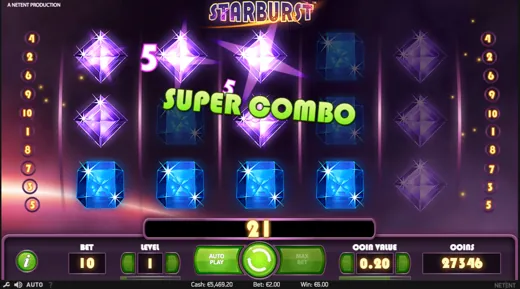
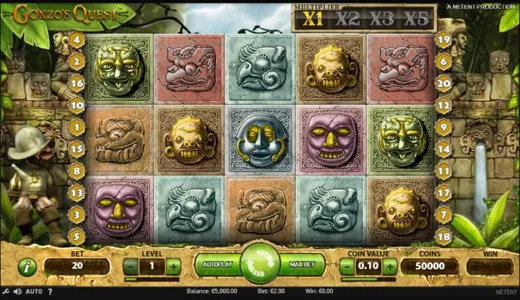
Over 3,000 slots and tables from Pragmatic Play, NetEnt, Play'n GO and Yggdrasil, all searchable by studio.
Live dealer
Evolution tables stream in HD, including Crazy Time and live blackjack, with bet sizes for small and large bankrolls.
Sports betting
The sportsbook sits inside the same app, so you can move from a slot to a live match in a couple of taps.
Fast crypto cashier
Deposit and withdraw with TRON alongside Visa, Mastercard, Skrill and Neteller, with crypto payouts among the quickest.
Push notifications
Opt in for tournament reminders, free spin drops and bonus codes the moment they go live.
App lock
Protect the app with your fingerprint or PIN so your balance stays private if you hand the phone over.

What app users say
Recent reviews from players on Android
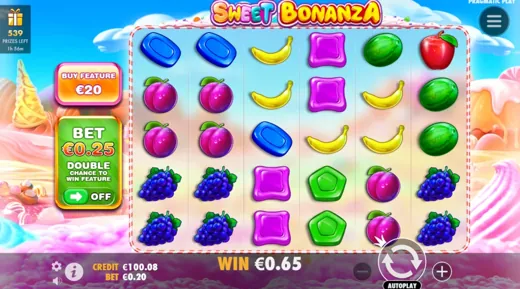
Install took under two minutes from the site. My TRON deposit landed instantly and I was on Sweet Bonanza right away.
Same game count as the desktop site. Pragmatic and NetEnt slots all run smoothly on my older phone.
Verification was sorted the same day. Live chat walked me through the unknown sources setting in a minute.
Crazy Time looks great on the live tab. My crypto withdrawal came through faster than on my old casino app.
Push notifications for free spin drops are handy without being spammy, and easy to switch off.
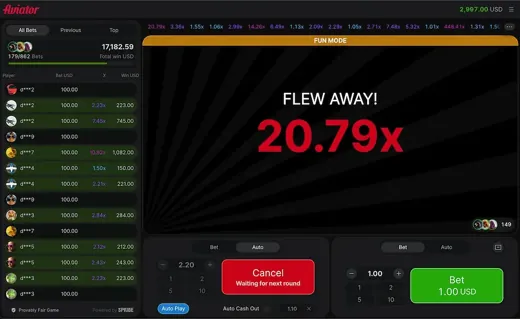
App lock with my fingerprint is a nice touch. Aviator runs without lag even on mobile data.
Switched from cards to TRON and payouts got much quicker. Support replied on Telegram within minutes.
Casino and sportsbook in one app saves me jumping around. Installed first try once I allowed the browser.
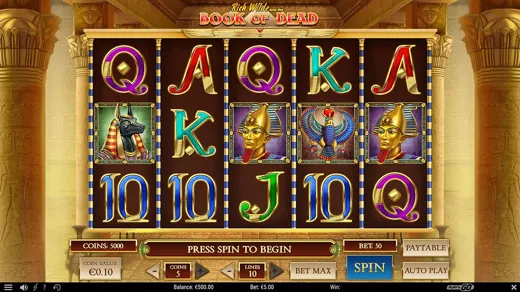
Updated from the site and kept my login. Book of Dead plays full screen now.
Quick KYC and a fast crypto cashout. Exactly what I want from a casino app.
Android app FAQ
Answers to what players ask before they install